Legacy .doc files
Word 97–2003 binary documents load through the same calls as .docx. The format is detected from the file's content, not its extension. Convert them to PDF, or open and save them as .docx to modernise them. There is no .doc writer.
Read, convert, modernise
using DocWright;
using DocWright.Core.Diagnostics;
using DocWright.Dom;

var converter = new DocWrightConverter();
var diagnostics = new CollectingConversionDiagnostics();

// A .doc is detected from its content, like everything else.
using FileStream input = File.OpenRead("legacy-tables.doc");
using WordDocument document = converter.Load(input, options: new ConvertOptions { Diagnostics = diagnostics });

Console.WriteLine($"format:   {document.SourceFormatName}");
Console.WriteLine($"sections: {document.Sections.Count}, styles: {document.Styles.Count}");

// Modernise: save as .docx. There is no .doc writer.
using (FileStream docx = File.Create("legacy-tables.docx"))
{
    converter.Save(document, docx, ".docx");
}

using (FileStream pdf = File.Create("legacy-tables.pdf"))
{
    converter.Convert(document, pdf);
}

foreach (ConversionDiagnostic d in diagnostics.Snapshot())
{
    Console.WriteLine($"{d.Code}: {d.Message[..Math.Min(90, d.Message.Length)]}…");
}
Output
format:   doc
sections: 1, styles: 6
DXP2002: MS-DOC table paragraphs were detected but full table reconstruction is not implemented; ce…
DXP2002: MS-DOC formatting: 242 sprm(s) across 47 distinct opcode(s) are not mapped and were skippe…
DXP2002: MS-DOC formatting: 2 property group(s) could not be read to their end and were applied as …
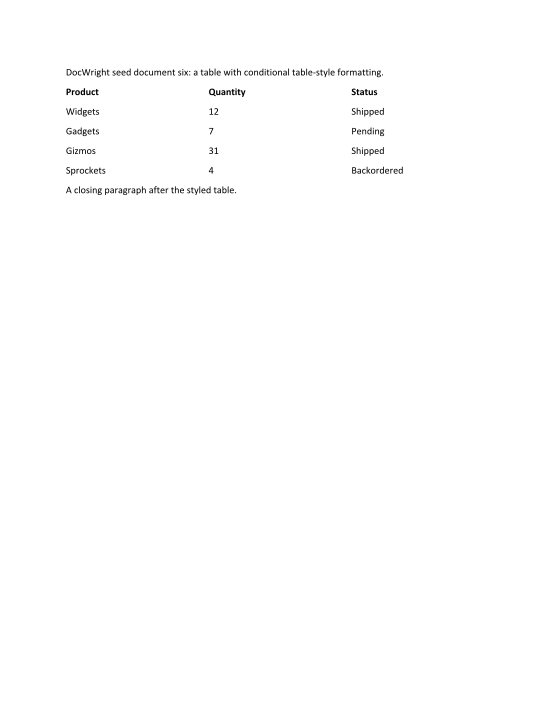
What is read
| Content | Read | Notes |
|---|---|---|
| Text, fields, hyperlinks, tabs | ✅ | |
| Character formatting | ✅ | Font, size, bold, italic, strike, caps, small caps, hidden |
| Paragraph formatting | ✅ | Alignment, indents, spacing, keep-with-next, page break before |
| Styles | ✅ | With inheritance |
| Sections | ✅ | Page size, orientation, margins, columns |
| Tables | ✅ | Rows, cells and column grid. Nested tables are flattened into the outer cell. |
| Table borders and shading | ❌ | Not read yet |
| Pictures | ✅ | JPEG, PNG and DIB, with scaling and cropping |
| List numbering | ❌ | List text survives, the numbers don't |
| Headers and footers | ❌ | Reported, not read |
| Encryption | ✅ | Office 97 RC4 and RC4 CryptoAPI. Pass ConvertOptions.Password. |
The diagnostics are normal
A .doc stores formatting as compact binary instructions ("sprms"). Those DocWright doesn't map are skipped, counted, and reported once per document as DXP2002, with their opcodes, as in the output above. Nearly every real document sets properties such as language that don't affect the page, so a non-empty list is expected. Treat it as a lead when investigating a specific difference, not as an error.