Defined names and hyperlinks
XlsxDocument.Names lists a workbook's defined names, of the workbook and of each sheet, and adds, changes and removes them as Excel's Name Manager does. XlsxDocumentSheet.Hyperlinks lists a sheet's links and adds and removes them as Excel's Insert Link and Remove Hyperlinks do. Both were measured against Excel, and Excel lists what DocWright writes exactly as it lists its own.
dotnet add package DocWright.Spreadsheet
Add names
using DocWright.Spreadsheet;

book.Names.Add("Prices", "=Prices!$B$2:$B$5");                    // a name of the workbook
book.Names.Add("Tax", "0.2", null, comment: "VAT rate");          // a constant, with a comment
book.Names.Add("Here", "Summary!$A$1", summary);                  // a name of one sheet
book.Names.Add("Print_Area", "Prices!$A$1:$B$5", prices);         // Excel's own: written _xlnm.Print_Area
summary.SetFormula("B1", "SUM(Prices)*(1+Tax)");

foreach (XlsxDefinedName name in book.Names)
{
    Console.WriteLine($"{name,-18} = {name.RefersTo}{(name.IsBuiltIn ? "   (Excel's own)" : string.Empty)}");
}
A name belongs to the workbook, or to one sheet when you give the sheet as its scope; a sheet may have a name the workbook also has, and on that sheet its own is meant. What a name stands for is any formula, with or without its =. The list is in the order Excel writes it, and a new name goes where Excel would put it.
Twelve names are Excel's own: Print_Area, Print_Titles, Criteria, Database, Extract, Consolidate_Area, Sheet_Title, Auto_Open, Auto_Close, Auto_Activate, Data_Form and Recorder. They are written with _xlnm. before them, as Excel writes them, and IsBuiltIn says so. Print_Area and Print_Titles belong to a sheet: give it.
What Excel refuses
using DocWright.Spreadsheet;

foreach (string bad in new[] { "A1", "R1C1", "my name", "tax" })
{
    try
    {
        book.Names.Add(bad, "1");
    }
    catch (ArgumentException error)
    {
        Console.WriteLine($"'{bad}': {error.Message.Split(" (Parameter")[0]}");
    }
}
| A name | Excel's rule, measured |
|---|---|
| Length | 1 to 255 characters; spaces at either end are taken off. |
| Characters | A letter or an underscore first; no space and none of the characters Excel refuses (most punctuation, ¢ £ ¥ © « ¬ ® »). Measured for every character of the Basic Multilingual Plane. |
| Not a reference | A1, a01, XFD1048576, and R, C, RC, R1, R1C1 are cell references. A0, XFE1 and R0 are names. |
| Not a value | TRUE and FALSE. |
| One per scope | Names are compared without regard to case, so tax is the Tax already there; accents count. |
| Comment | At most 255 characters. |
Change and remove a name
using DocWright.Spreadsheet;

XlsxDefinedName tax = book.Names.Find("TAX")!;    // found without regard to case
tax.RefersTo = "0.25";
tax.Hidden = true;                                 // hidden from Excel's Name Manager
Console.WriteLine($"Tax now stands for {tax.RefersTo}; hidden: {tax.Hidden}");
Names.Remove(name, scope) takes a name out. The formulas that use it are left as they are, as Excel leaves them (it then shows #NAME?), and a DXP1005 warning says how many there are (see below).
Note
There is no rename. Excel's rename also rewrites every formula that uses the name, and DocWright does not: remove the name, add the new one, and change the formulas yourself.
Add hyperlinks
using DocWright.Spreadsheet;

XlsxHyperlinks links = summary.Hyperlinks;
links.Add(new XlsxCellRange(3, 1, 3, 1), new Uri("https://example.com/prices#2026"), tooltip: "This year's list", display: "Price list online");
links.Add(new XlsxCellRange(4, 1, 4, 1), new Uri("mailto:sales@example.com?subject=Prices"), display: "Write to sales");
links.Add(new XlsxCellRange(5, 1, 5, 1), "Prices!A1", display: "Back to the prices");

foreach (XlsxHyperlink link in links)
{
    string shown = summary.GetCell(link.Range.FirstRow, link.Range.FirstColumn).DisplayText;
    Console.WriteLine($"{shown,-20} -> {link.Address ?? "(in the workbook)"} {link.Location}");
}
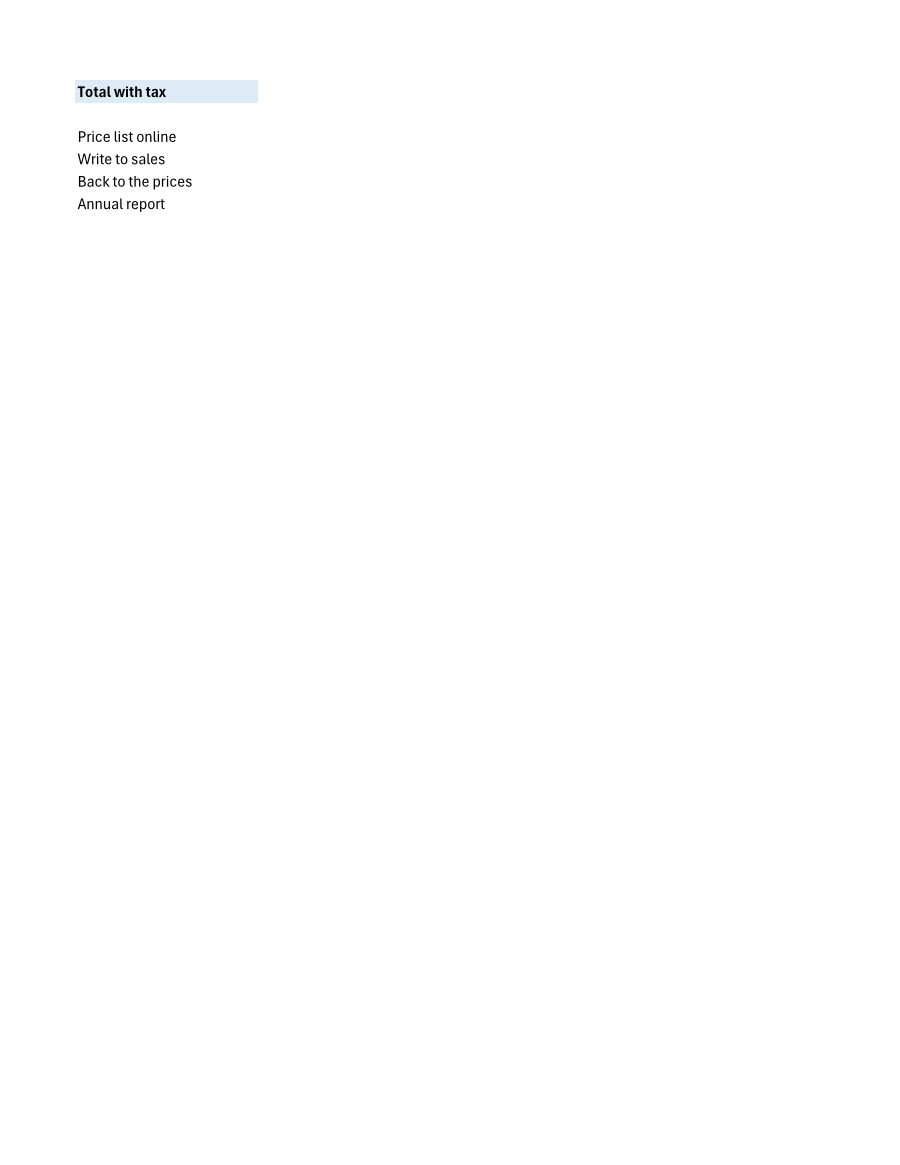
SUM(Prices)*(1+Tax), which Excel calculates when it opens the file (DocWright does not calculate formulas, so the drawing shows it empty). Download: price-list-linked.xlsx.| An address | A Uri. Each link gets a relationship of its own, as Excel writes them; an address's #fragment is the place in it (Location). |
| A place in the workbook | A string: a reference with its sheet ('Price List'!A1) or a defined name. It has no address. |
| The cell's text | The text to show. With none, an empty cell shows the address and a cell with a value keeps it. The blue underlined look is yours to set. |
| Over a link | A link added over the same range replaces the one there; one over part of another's range stands beside it. |
| Tip | At most 255 characters. |
A HYPERLINK() formula is a formula, not one of these links.
What an address may be
using DocWright.Spreadsheet;

try
{
    links.Add(new XlsxCellRange(6, 1, 6, 1), new Uri("file:///C:/Reports/annual.pdf"));
}
catch (ArgumentException error)
{
    Console.WriteLine(error.Message.Split(';')[0]);
}

var files = new XlsxHyperlinkOptions();
files.AllowedSchemes.Add("file");
links.Add(new XlsxCellRange(6, 1, 6, 1), new Uri("file:///C:/Reports/annual.pdf"), display: "Annual report", options: files);
Only http, https and mailto addresses are written unless XlsxHyperlinkOptions.AllowedSchemes adds more. A link to a file (file:, a path, or a relative name such as other.xlsx) needs file. Excel itself takes javascript:; DocWright does not unless you add it. No address is ever opened.
Remove links and names
using DocWright.Core.Diagnostics;
using DocWright.Spreadsheet;

// Opened again with a diagnostics sink: removing a name that formulas use is reported.
XlsxDocument reopened = XlsxDocument.Open(File.OpenRead("price-list-linked.xlsx"), new XlsxReadSettings { Diagnostics = diagnostics });
Console.WriteLine($"Removed {reopened.Sheets[1].Hyperlinks.Remove(new XlsxCellRange(4, 1, 6, 1))} link(s)");
reopened.Names.Remove("Tax");
Console.WriteLine($"B1 still reads {reopened.Sheets[1].GetCell("B1").Formula}");
foreach (ConversionDiagnostic diagnostic in diagnostics.Snapshot())
{
    Console.WriteLine($"{diagnostic.Code}: {diagnostic.Message}");
}
Remove(range) takes each link whose first cell is in the range and, for a one-cell range, the link that covers it, as Excel's Remove Hyperlinks does; the cells keep their text. Remove(link) takes one.
Names and links are held in memory while you edit them and written into the workbook once, when the part is next read or the workbook is saved: a link on each of 8,000 rows costs about a quarter of a second.
The whole run prints:
Summary!Here       = Summary!$A$1
Prices             = Prices!$B$2:$B$5
Prices!Print_Area  = Prices!$A$1:$B$5   (Excel's own)
Tax                = 0.2
'A1': The syntax of this name isn't correct: Excel wants a name that starts with a letter or an underscore, holds no space or character it does not allow, and is not a cell reference. 'A1' is a cell reference.
'R1C1': The syntax of this name isn't correct: Excel wants a name that starts with a letter or an underscore, holds no space or character it does not allow, and is not a cell reference. 'R1C1' is a cell reference.
'my name': The syntax of this name isn't correct: Excel wants a name that starts with a letter or an underscore, holds no space or character it does not allow, and is not a cell reference. ' ' is not allowed in a name.
'tax': The name 'tax' already exists in the workbook (Excel: the name that you entered already exists; names are compared without regard to case).
Tax now stands for 0.25; hidden: True
Price list online    -> https://example.com/prices 2026
Write to sales       -> mailto:sales@example.com?subject=Prices
Back to the prices   -> (in the workbook) Prices!A1
The scheme 'file' is not allowed
Removed 3 link(s)
B1 still reads SUM(Prices)*(1+Tax)
DXP1005: 1 formula reference(s) use the name 'Tax', which was removed; they are left as they are, and Excel shows them as #NAME?.