Your first conversion
Converting a document is stream in, stream out. DocWright detects the input format, lays the document out the way Word does, and writes a PDF.
The code
using DocWright;

// One converter serves the whole application: it is thread-safe and caches fonts.
var converter = new DocWrightConverter();

using (FileStream input = File.OpenRead("quarterly-report.docx"))
using (FileStream output = File.Create("quarterly-report.pdf"))
{
    ConversionResult result = converter.Convert(input, output);
    Console.WriteLine($"Wrote {result.PageCount} page(s).");
}
Output
Wrote 3 page(s).
The result
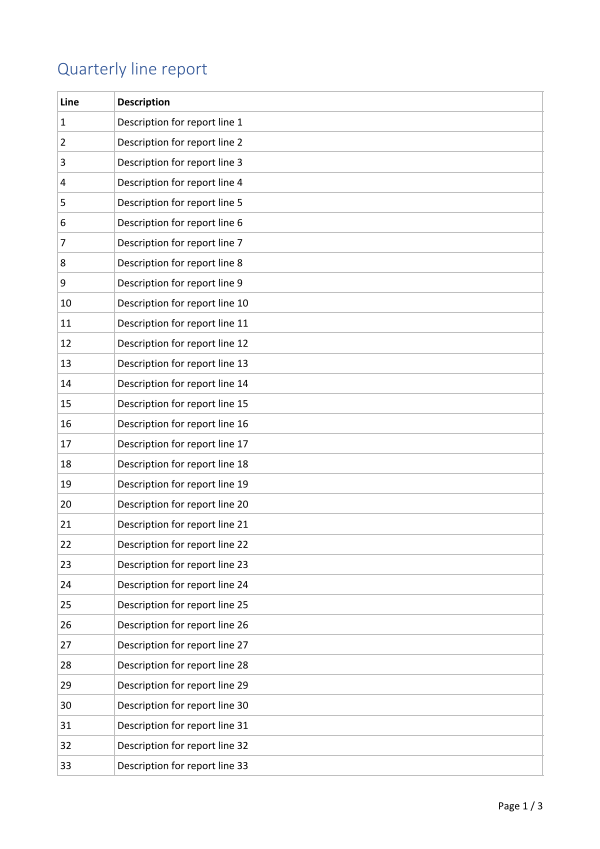
What happened
- The format was detected.
Convertsniffs the stream, so the same call accepts.docx,.doc,.rtf,.htmland.md. Plain text is the one format that is never guessed. Ask for it withConvertOptions.SourceFormat = FormatDetection.Text. - The document was laid out. Styles were resolved, text measured with the real fonts, and lines, tables and pages broken the way Word breaks them. Fields such as page numbers were filled in.
- The PDF was written. Fonts are subsetted and embedded, and the output is deterministic. Convert the same file twice and you get the same bytes.
Good practice
- Create one converter and keep it.
DocWrightConverteris thread-safe and caches the font engine it builds, which takes about a second the first time. Register it as a singleton in a web application. - Use any stream. Input can be a
FileStream, aMemoryStreamor an upload's request body. Output can go to a file, memory or a response. - Set limits for documents you did not write. Uploads and email attachments can be hostile. Handle errors shows the two limits every server should set.
Next
Load once, render many: parse a document one time, then produce several outputs from it.