Find and replace
Search and replace text in the body, headers, footers, notes and text boxes, with plain text or regular expressions. Matches are found even when Word has split a word into several formatting runs internally.
The code
using DocWright;
using DocWright.Dom;
using DocWright.Dom.Editing;

using FileStream input = File.OpenRead("letterhead.docx");
using WordDocument document = converter.Load(input);

// Plain text: every occurrence, in the body, headers, footers and text boxes.
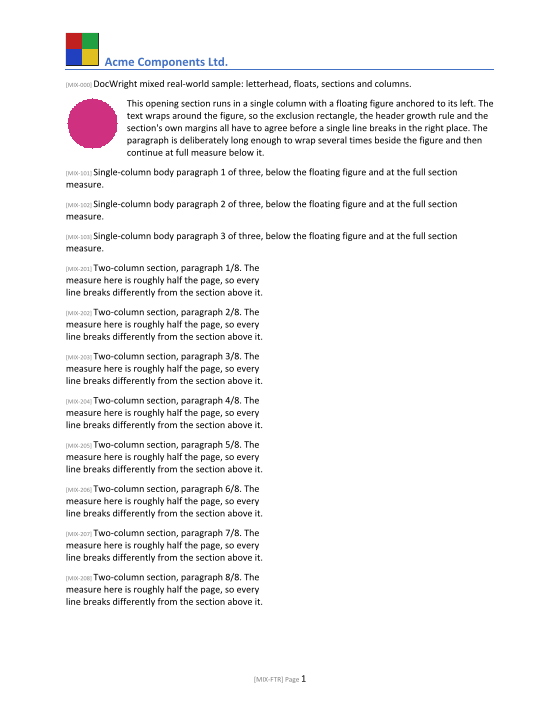
int count = document.ReplaceText("DocWright Letterhead", "Acme Components Ltd.");
Console.WriteLine($"Replaced {count} occurrence(s) of the heading.");

// A regular expression with a group reference: "paragraph 3 of eight" -> "paragraph 3/8".
int numbered = document.ReplaceRegex(@"paragraph (\d+) of eight", "paragraph $1/8");
Console.WriteLine($"Rewrote {numbered} numbered paragraph(s).");

// Find without replacing. Groups holds the capture groups only: Groups[0] is group 1.
IReadOnlyList<TextMatch> tags = document.FindRegex(@"\[MIX-(\d+)\]");
Console.WriteLine($"Found {tags.Count} tag(s); the first is {tags[0].Value} (number {tags[0].Groups[0]}).");

using (FileStream pdf = File.Create("letterhead-edited.pdf"))
{
    converter.Convert(document, pdf);
}
Output
Replaced 1 occurrence(s) of the heading.
Rewrote 8 numbered paragraph(s).
Found 12 tag(s); the first is [MIX-000] (number 000).
The methods
All four are extension methods on any DomNode (namespace DocWright.Dom.Editing). Call them on a document, a section, a table or a single cell, and they touch nothing outside it.
| Method | Returns |
|---|---|
ReplaceText(find, replacement, FindOptions?, ReplaceOptions?) |
Number of replacements. |
ReplaceRegex(pattern, replacement, …) |
Number of replacements. The replacement can use $1, $2 group references. |
FindText(text, FindOptions?) |
A list of TextMatch. |
FindRegex(pattern, FindOptions?) |
A list of TextMatch. |
A TextMatch has the matched Value, its Index in the paragraph's text, the Paragraph, and Groups.
Warning
TextMatch.Groups holds the capture groups only, starting with group 1. Groups[0] is the first capture group, not the whole match as in System.Text.RegularExpressions. Use Value for the whole match.
What a match can and can't span
- ✅ Any number of runs with different formatting, inside one paragraph.
- ✅ Bookmark markers, which have no width.
- ❌ A field, hyperlink boundary, line or page break, image, shape, note reference or content control. Each of those has a meaning of its own, and text spliced across one would change it.
- ❌ Deleted tracked-change text, which isn't searchable. Inserted text is, and a replacement keeps the revision mark of the run where the match started.
Formatting of the replacement
By default the replacement takes the formatting of the first matched run. Set ReplaceOptions.Formatting to a CharacterFormat to apply your own. Adjacent runs with identical formatting are merged afterwards, so repeated edits don't fragment the document.
Regular expressions are time-limited
A pattern that backtracks without end could hang your service. FindOptions.RegexTimeout (one second by default) stops it. Treat user-supplied patterns as untrusted input.
Templates
To replace {{Name}}-style markers from a dictionary or JSON, use ReplacePlaceholders. It's built on the same engine. See the JSON template tutorial.